
FREE CHROME EXTENSION
Color Picker for Chrome: pick any color on any web page
- Pick any color from a web page with one click
- See HEX and RGB values and copy them instantly
- Works offline. No login, no tracking
FEATURES
Everything you need to grab a color
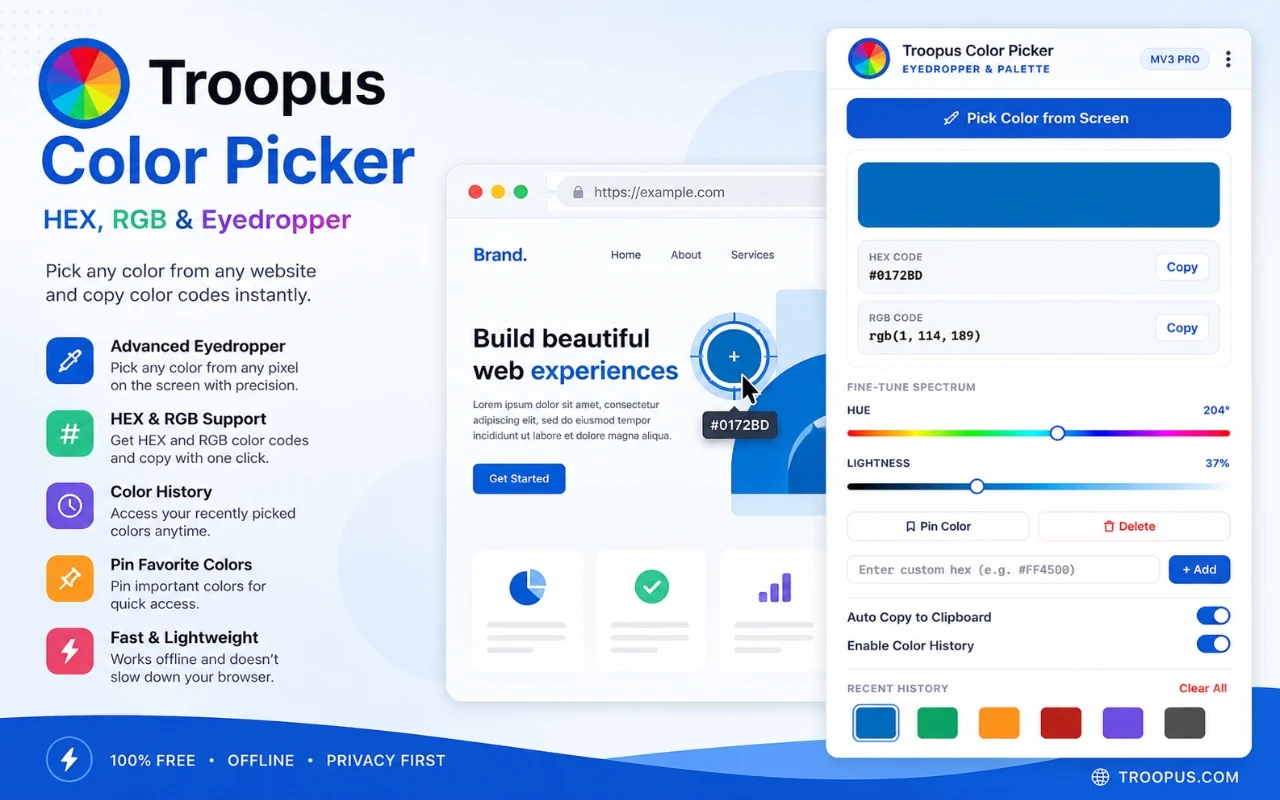
Pick from any page
Use the eyedropper on any visible part of a web page. Match brand colors or recreate a design in seconds.
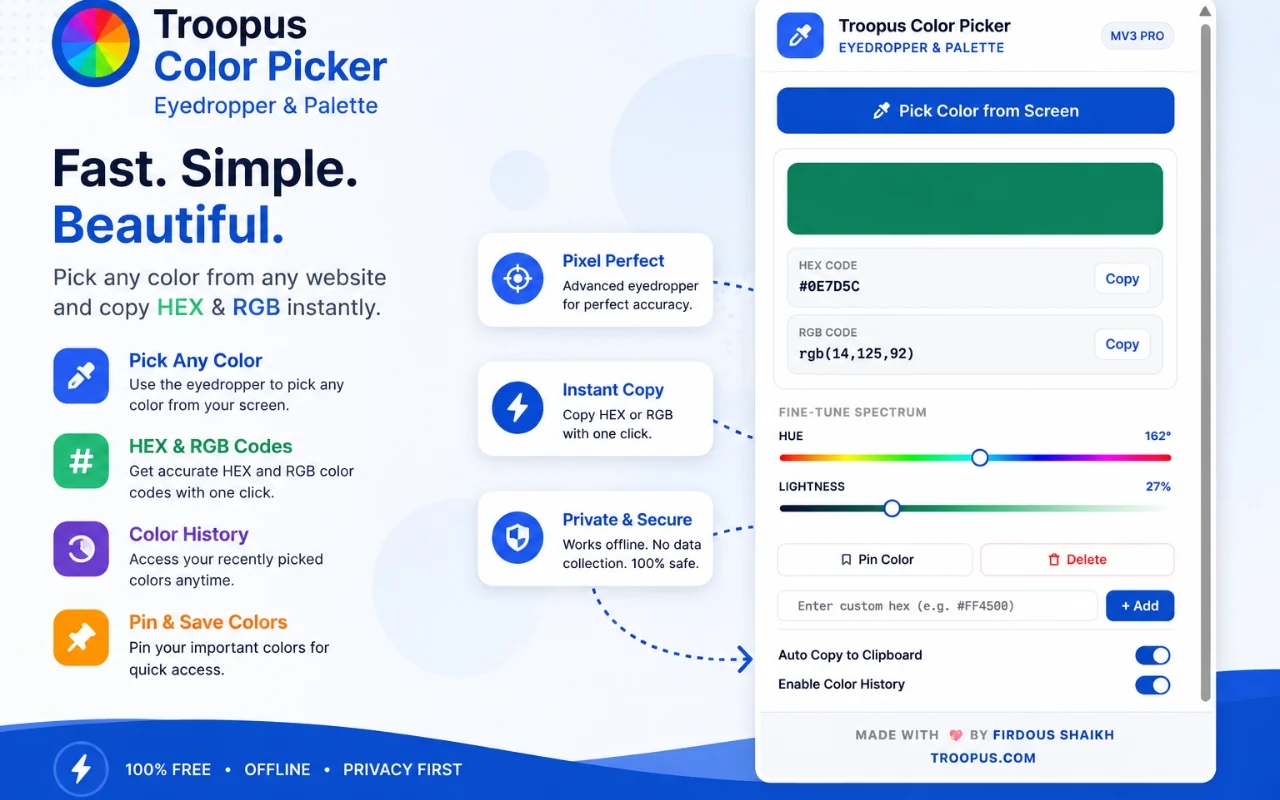
HEX and RGB values
The color you pick shows up as HEX and RGB, ready to paste into your code or design tool.
One-click copy
Copy a color code with one click, or switch on auto-copy so every pick goes straight to your clipboard.
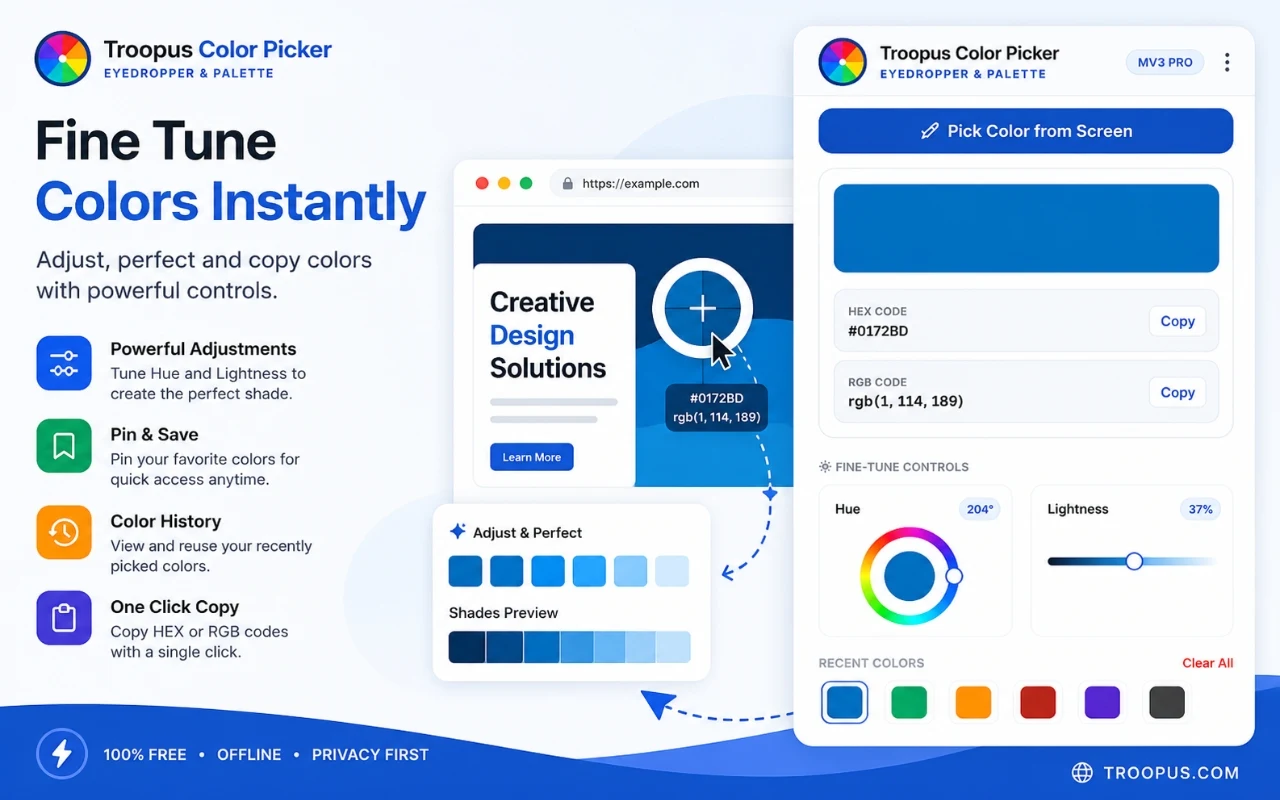
Fine-tune hue and lightness
Preview the color first, then adjust hue and lightness to find a lighter or darker shade.
Recent colors, saved for you
Every color you pick is remembered, so you can go back to it later.
Pin your favorites
Pin the colors you use most, and add your own HEX values by hand.
HOW IT WORKS
Three steps, a few seconds
1
Click the extension
2
Click any color
3
Copy and use it
WHO IT'S FOR
Made for people who work on the web
- Web designers matching brand colors
- Developers recreating a design in code
- Anyone collecting color inspiration while browsing
- Marketers checking a competitor page against their own palette
QUESTIONS
Quick answers
Yes. It is free to install and use, with no sign-up.
Yes. It runs on your computer, so you do not need an internet connection to pick and copy colors.
The Chrome Web Store listing states that the developer does not collect or use user data, and the extension has no tracking or analytics. You can read the full privacy policy on this site.
HEX and RGB. You can copy either with one click.
Yes. Recent colors are saved automatically, and you can pin your favorites or add a custom HEX value manually.
It is built for Google Chrome, using the current Manifest V3 extension standard.
Add Troopus Color Picker to Chrome
MORE FROM TROOPUS